 Composi Chat
All your live chats. One side panel. TikTok included. YouTube too.
Composi Chat merges Twitch, Kick, TikTok and YouTube live chat into one side panel in your browser. Type your channel names, press Start, and read every chat while you stream or mod.
Free. No account, no OBS setup.
Made for chat that moves fast
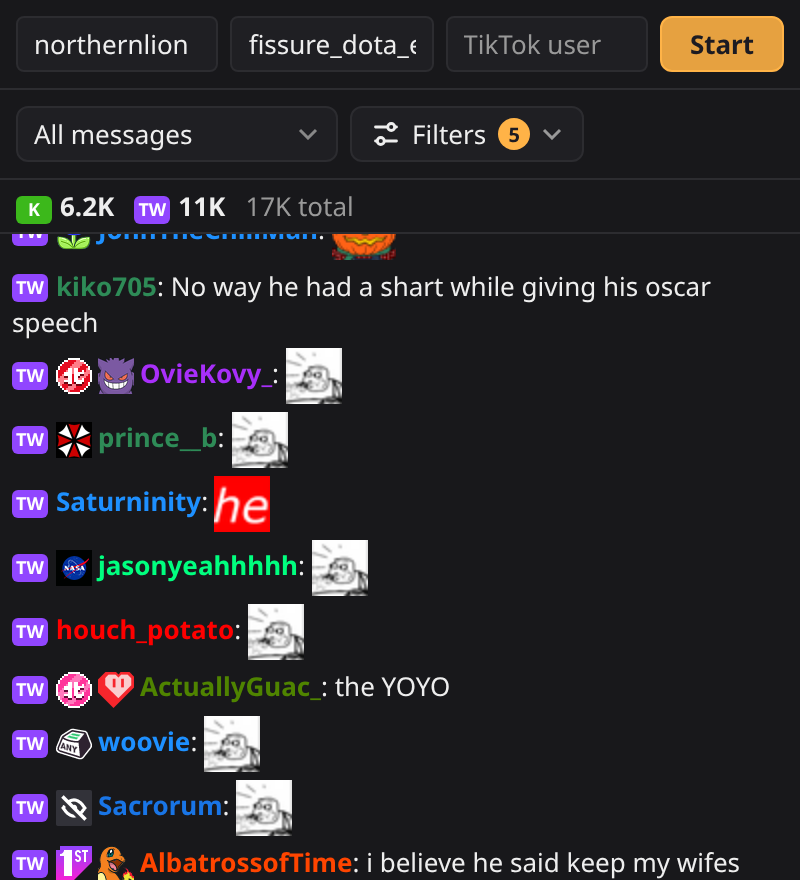
Every chat, one list
Each line is tagged with where it came from. Twitch and Kick emotes, plus 7TV, BetterTTV and FrankerFaceZ, show as real images, with badges and name colors. The strip at the top shows viewers on each platform and the total.
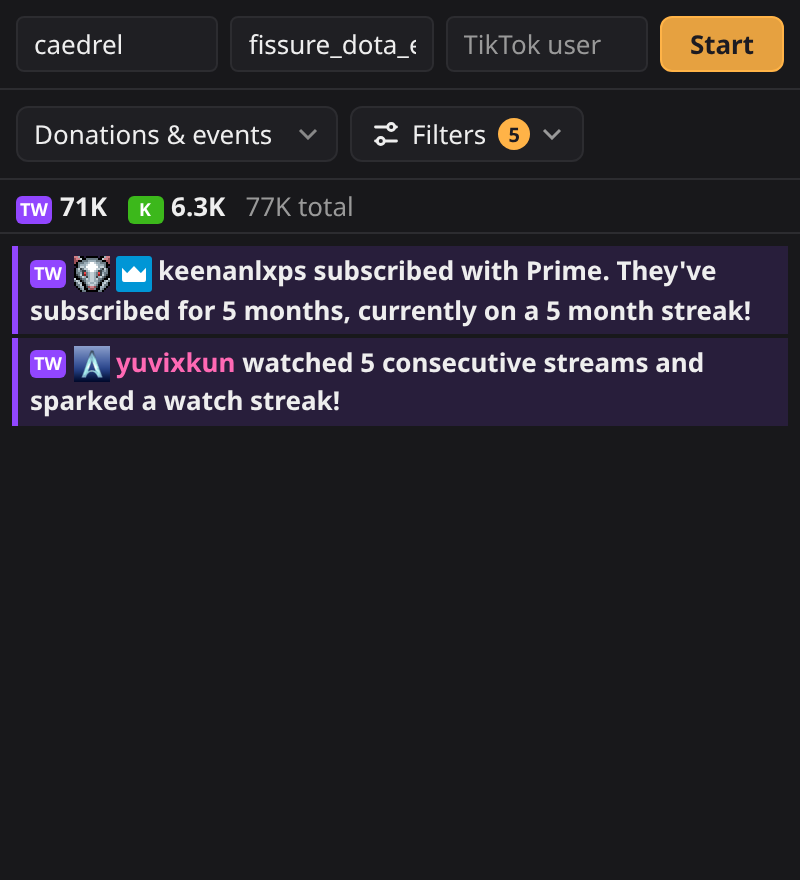
Never miss a sub or donation
When chat flies by, switch to Donations & events and see only subs, gifts, donations, streaks, and YouTube Super Chats and memberships. Turn on a sound for them so you hear it while you're in game.
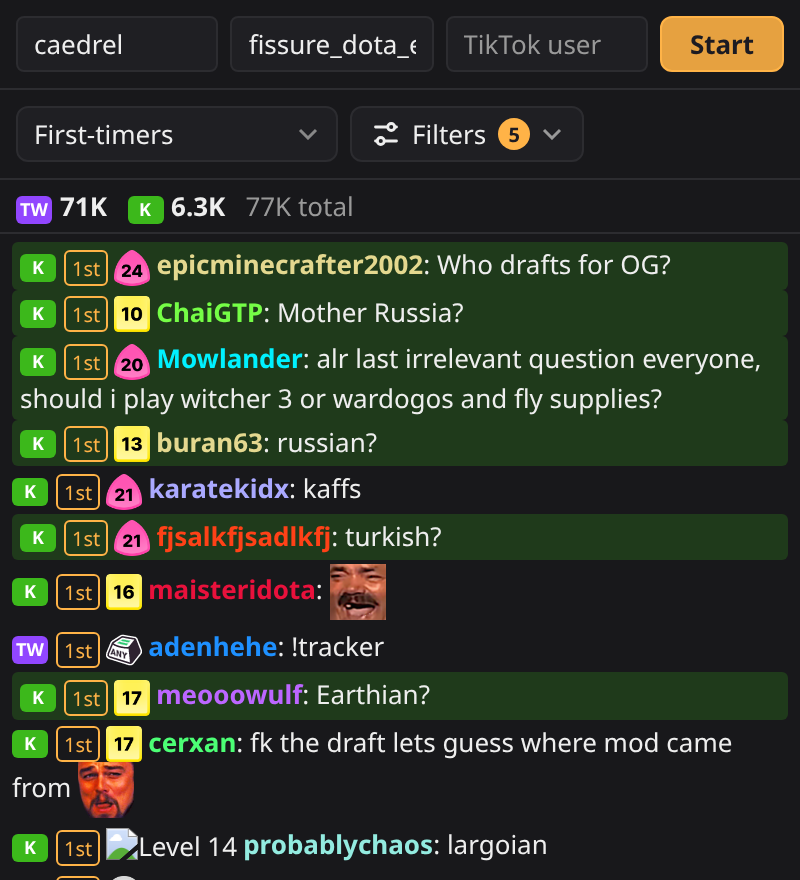
Say hi to new chatters
Someone's first message gets a "1st" tag, and the First-timers view lists only them, so nobody new gets lost in the scroll.
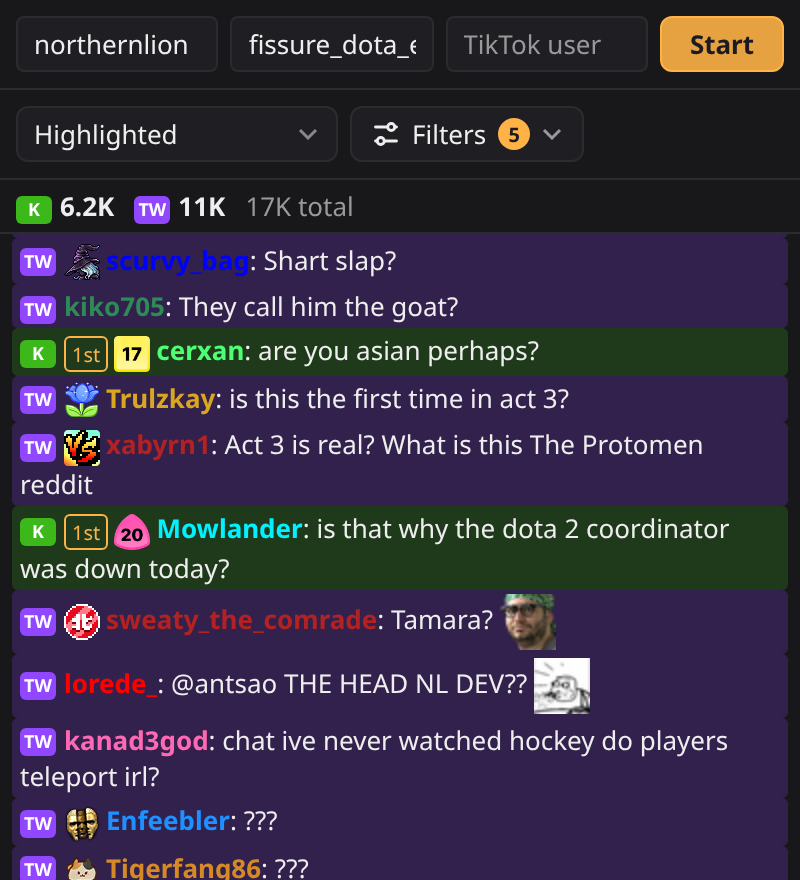
Questions and mentions stand out
Messages with your name, words you pick, or a question mark get a colored background. The Highlighted view shows only those, so you can answer the ones that need you.
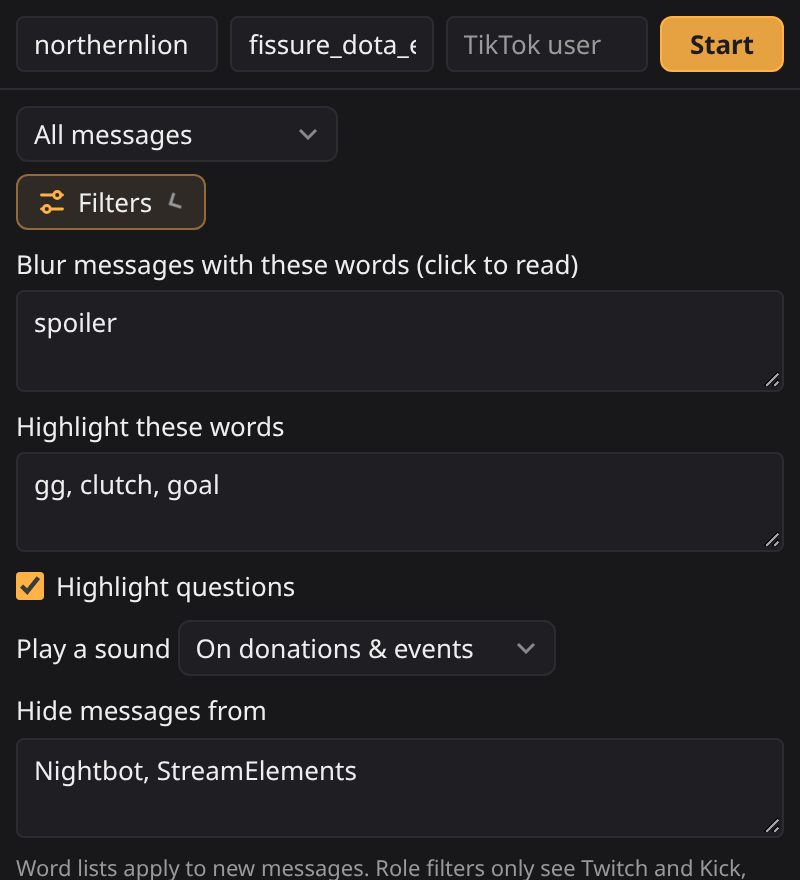
Keep your chat the way you like it
Blur spoilers or words you don't want on screen, then click to read them. Hide bots like Nightbot. You can also show only mods, VIPs or subs. Your settings are saved for next time.
And the small things
- TikTok and YouTube, too
- Most multistream chat tools leave TikTok out. Composi Chat reads it from the live page in a muted background tab. YouTube asks for access to youtube.com the first time you add a channel.
- Reply in one click
- Hover a message and press Reply to copy @name and open that platform's chat, or Copy to grab the message.
- Find and mute
- Search chat with Find. Click a platform in the top bar to mute it for a while.
- Focus on one person
- Click a name to see only their messages, and hide them in one click if they're spamming.
- Scroll back safely
- Read older messages without losing your place. A "new messages" button takes you back down.
- Pinned messages
- Twitch and Kick pinned messages stay at the top until they are unpinned or you close them.
- Remembers your channels
- Your channel names are filled in next time, so you only press Start.
- Private by design
- It only reads chat, never posts, and sends nothing to us. No account, no analytics, no servers.
Start in under a minute
- Add the extension to Chrome or Firefox.
- Open the side panel from the Composi Chat toolbar button.
- Add your channels for Twitch, Kick, TikTok or YouTube, then press Start.